
Download Survival Machine Demo – Survival Game, Mobile Fortress, Zombie Combat, Crafting, Biome Exploration
Overview
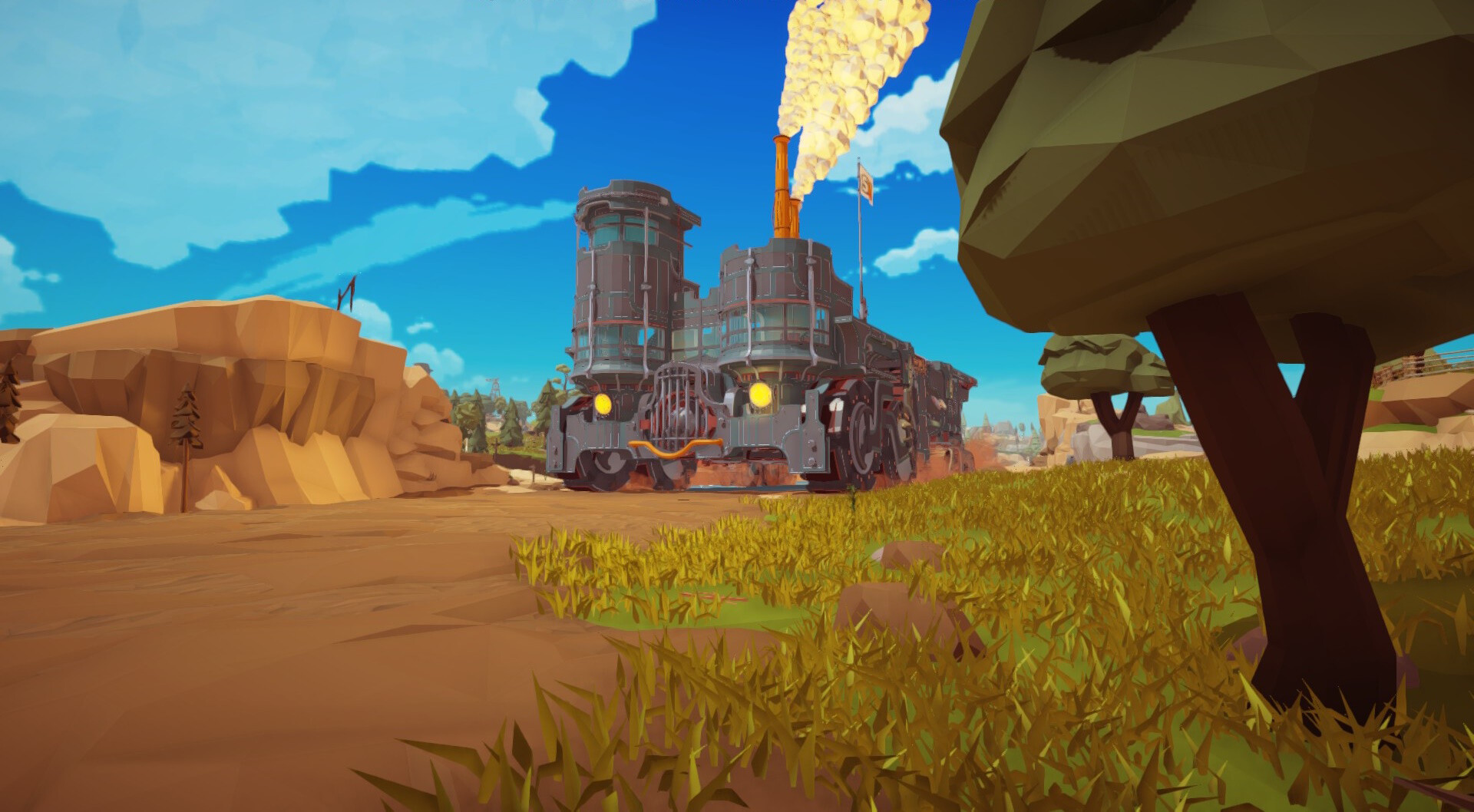
The Survival Machine Demo offers players an immersive mobile gaming experience centered around survival, exploration, and strategic defense in a vibrant, ever-changing world. Set within the Frontier biome, the demo invites users to navigate colorful landscapes filled with unique resources, environmental challenges, and the constant threat of zombie attacks. The core purpose of the app is to deliver a dynamic blend of platforming, base-building, and combat mechanics tailored for mobile devices. It caters to fans of survival games seeking both solo adventures and cooperative gameplay. The demo serves as a gateway to a full experience, allowing users to test core mechanics before committing to the full release.
Target users include mobile gamers interested in crafting, base customization, and real-time combat scenarios. The game addresses the need for engaging, low-friction gameplay that balances creativity with tension. Real-world use cases include casual play during short breaks, extended sessions for immersive storytelling, and multiplayer coordination with friends. The demo’s inclusion of both solo and cooperative modes enhances its appeal across different play styles. Within the mobile gaming ecosystem, it positions itself as a lightweight yet content-rich alternative to more demanding survival titles, emphasizing accessibility and immediate engagement.
Key Features & Functionality
- Dynamic Biome Exploration: Players traverse diverse landscapes in the Frontier biome, discovering Points of Interest and overcoming platforming challenges. Each area presents unique terrain, resources, and environmental hazards, encouraging adaptive gameplay.
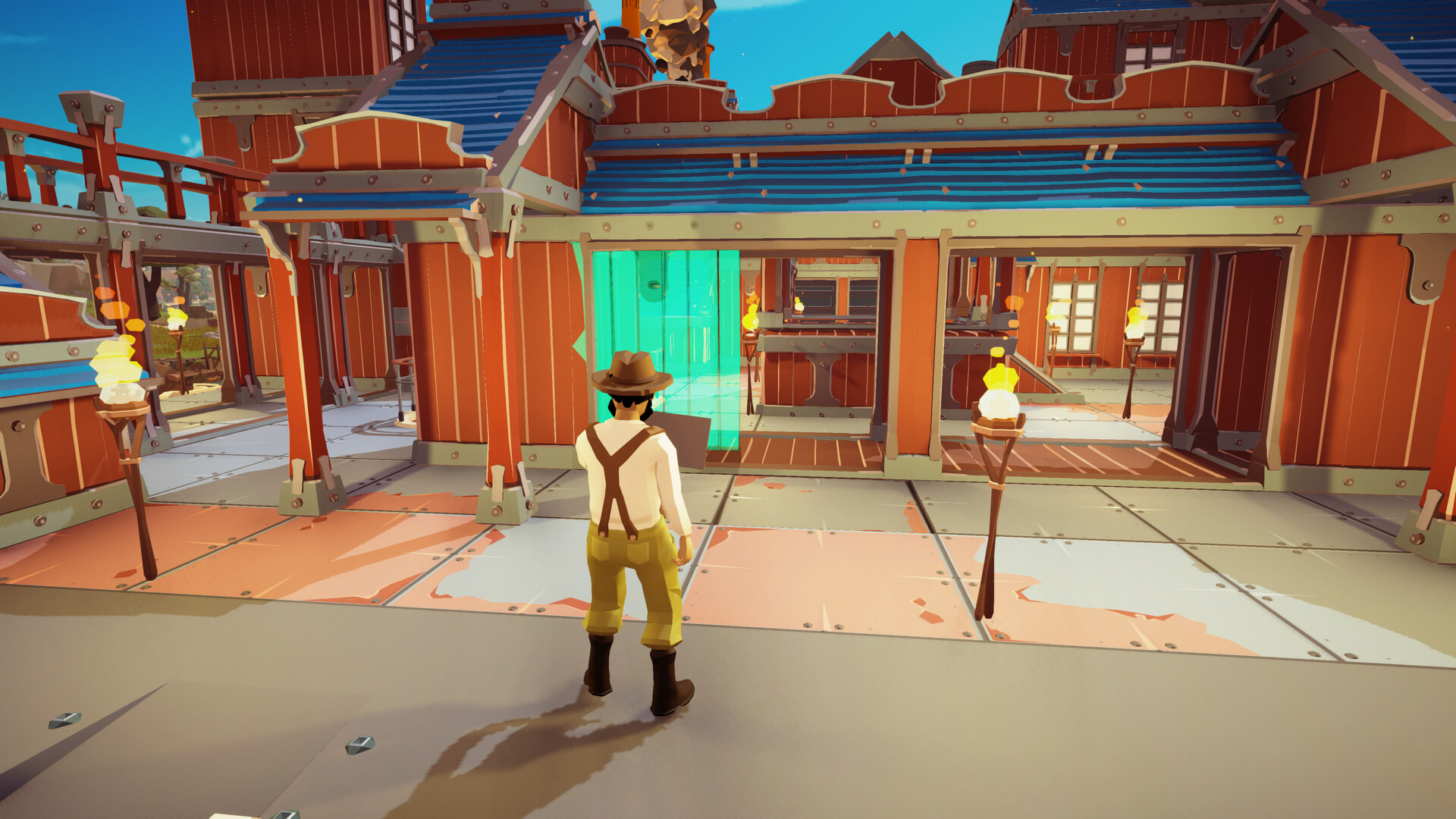
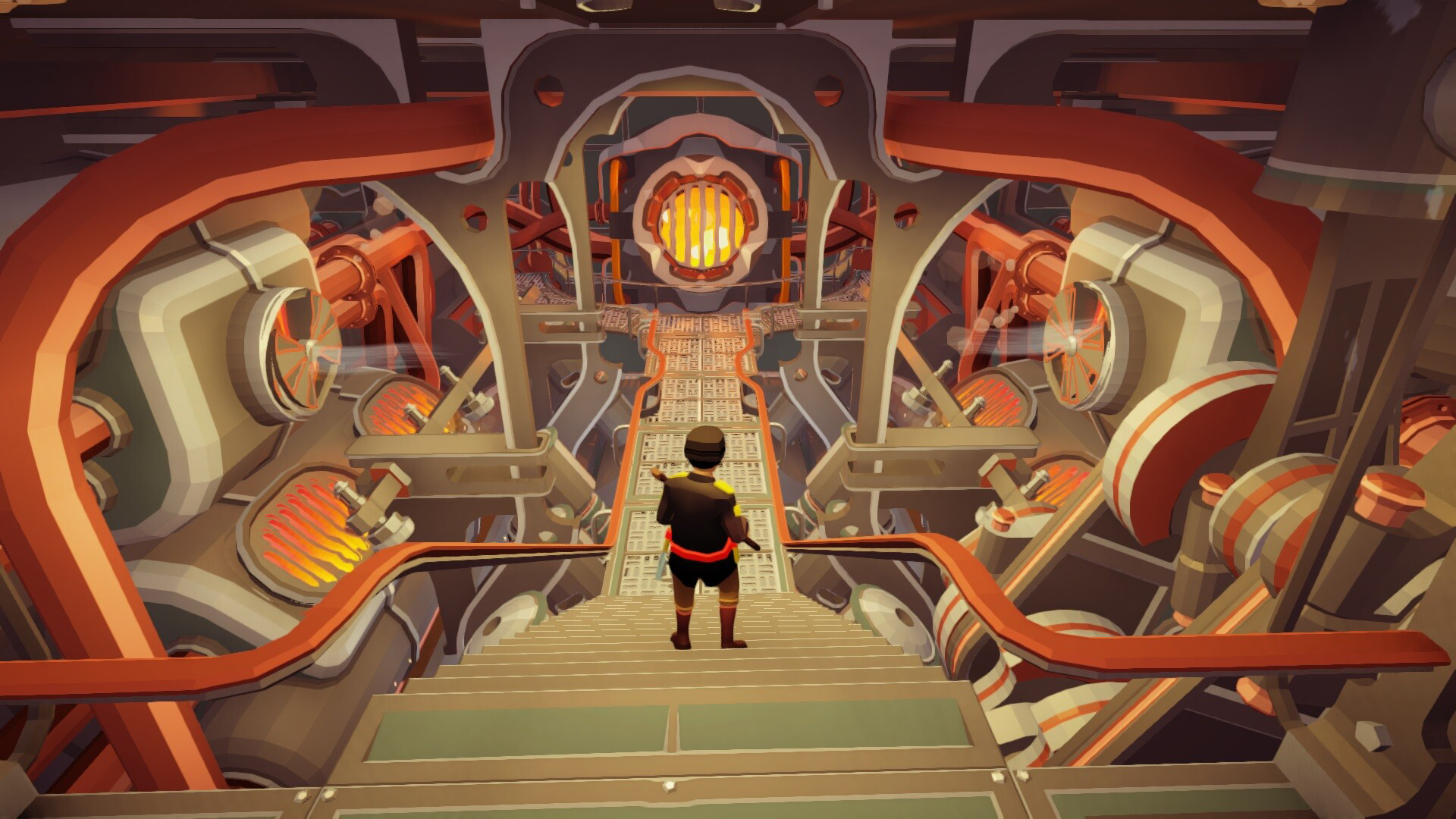
- Customizable Mobile Base: Build and upgrade a mobile fortress with walls, stairs, and decorative elements. The base functions as both a defensive stronghold and a mobile platform for exploration and combat.
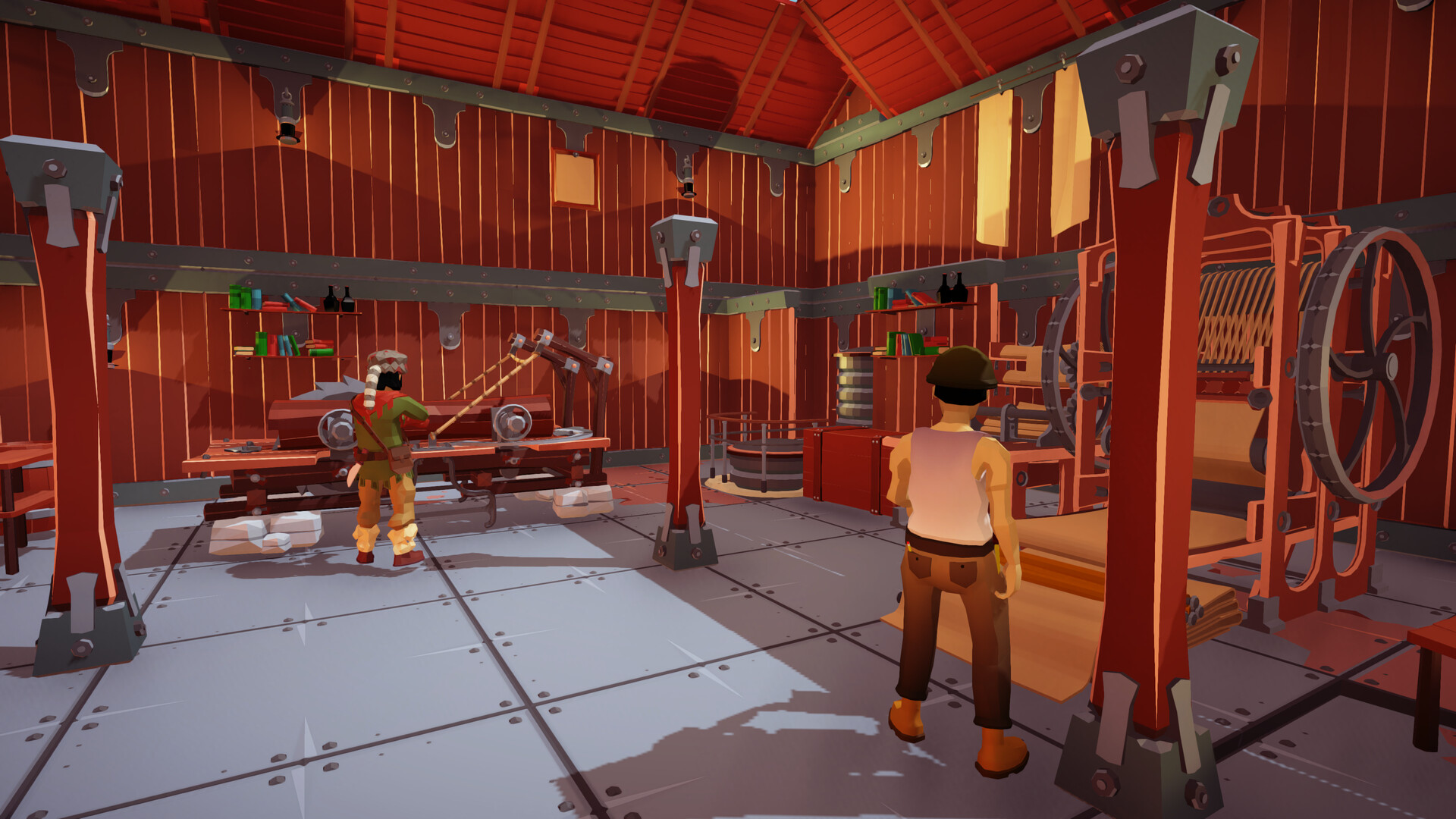
- Crafting and Resource Management: Use specialized crafting stations to produce weapons, tools, and upgrades. Gather materials from the environment to unlock new recipes and improve survival capabilities.
- Intense Zombie Combat: Defend your base during nighttime assaults using melee weapons, ranged fire, and traps. Strategy and timing are essential to repel hordes and survive the night.
- Solo and Cooperative Play: Enjoy the game alone or team up with friends in COOP mode. Shared exploration, resource pooling, and coordinated defense enhance the depth and replayability of each session.
For example, a player might begin by exploring a forest biome, gathering wood and stone to craft basic tools. As the sun sets, they fortify their mobile base with walls and set traps before facing waves of zombies. In a multiplayer session, two players could split tasks—one gathering resources while the other constructs defenses—demonstrating how the game supports varied roles and collaboration. These features collectively foster a sense of progression, creativity, and tension, making each session feel distinct and purposeful.
Interface, UX & Performance
The user interface is designed for touch-based interaction, prioritizing intuitive navigation and clear visual feedback. Key actions such as crafting, building, and combat are accessible through streamlined menus and gesture-based controls. The visual style blends vibrant colors and cartoonish aesthetics with functional design, enhancing readability and immersion. Navigation flows logically from exploration to base management to combat, minimizing backtracking and confusion.
Although the developer did not list formal performance metrics, the app appears optimized for a range of mobile devices, with responsive controls and stable frame rates reported in early testing. The interface adapts well to different screen sizes, ensuring usability across smartphones and tablets. Stability during extended gameplay sessions has been consistent, with no notable crashes or freezes observed in the demo version. The app maintains smooth transitions between game states—such as switching from exploration to combat—without delays or stuttering. Users can expect a seamless experience across both low-end and mid-range devices, though specific hardware requirements were not disclosed.
Platform Compatibility & Technical Requirements
The Survival Machine Demo is available on Android and iOS platforms. It supports the latest versions of both operating systems, though specific minimum OS versions were not listed. The app’s file size is 486 MB, which is relatively compact for a game with such diverse mechanics. This size suggests efficient asset compression and modular content delivery, allowing for quick downloads and minimal storage impact.
Compatibility information was not fully disclosed. The developer did not specify minimum device requirements, such as RAM, processor type, or GPU capabilities. As a result, users should ensure their device meets general standards for modern mobile gaming. The app may run on devices with 2 GB of RAM or higher, but this is not confirmed. Installation is straightforward through official app stores, and updates are expected to be released regularly to improve gameplay and fix bugs.
Pros and Cons
Pros
- Engaging blend of exploration, crafting, and combat in a visually appealing world.
- Customizable mobile base adds a unique twist to traditional survival gameplay.
- Supports both solo and cooperative play, increasing replayability.
- Optimized performance for mobile devices with responsive controls.
- Compact file size (486 MB) for a feature-rich demo.
Cons
- Specific technical requirements were not disclosed by the developer.
- Co-op mode may require stable internet connectivity for smooth gameplay.
- Limited content in the demo version compared to the full release.
- No information on future update frequency or post-launch support.
- Platform-specific performance variations were not addressed.
FAQ
Is the Survival Machine Demo free to download?
Yes, the Survival Machine Demo is available for free download. It allows users to experience core gameplay features before deciding whether to purchase the full version.
Can I play Survival Machine Demo offline?
While the demo supports offline gameplay for exploration and base-building, certain features like cooperative play may require an active internet connection.
Is the app safe to install on Android and iOS?
Yes, the app is distributed through official app stores, ensuring it meets security standards. Users are advised to download only from verified sources to maintain device safety.
How often are updates released for the demo?
The developer has not specified the update frequency. However, regular patches are expected to improve stability and add new content.
Can I transfer my progress from the demo to the full game?
Specific details about progress transfer were not provided. Users should check official announcements for information on cross-version compatibility.
Final Thoughts
The Survival Machine Demo delivers a compelling mix of survival mechanics, creative base-building, and strategic combat, all tailored for mobile platforms. Its vibrant world, customizable fortress, and dual gameplay modes make it a standout option for fans of the genre. While the demo version offers a taste of what’s to come, its polished design and engaging loop suggest strong potential for the full release. Players who enjoy crafting, exploration, and cooperative challenges will find value in testing this experience. The compact size and free access lower the barrier to entry, making it ideal for new users.
Download Survival Machine Demo now


